Free
$0
Kick the tires
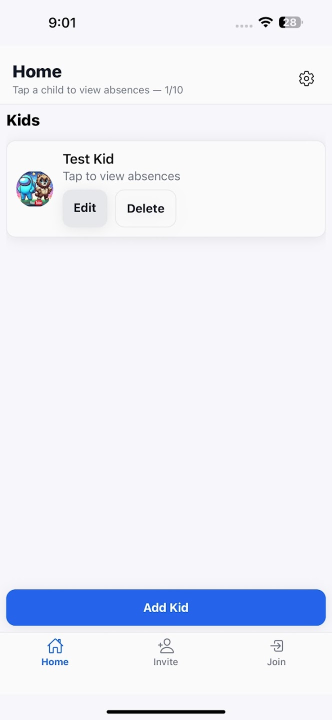
- 1 kid
- 2 absences total (for testing)
- Attach doctor notes
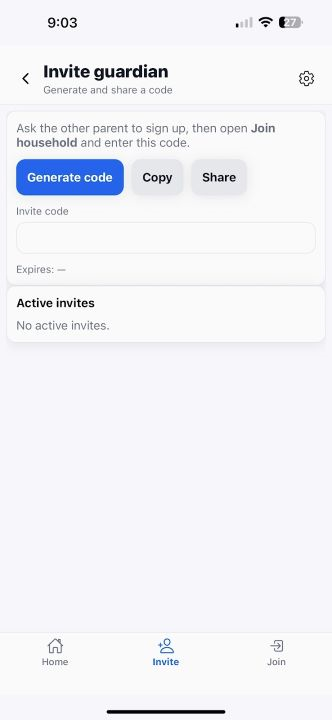
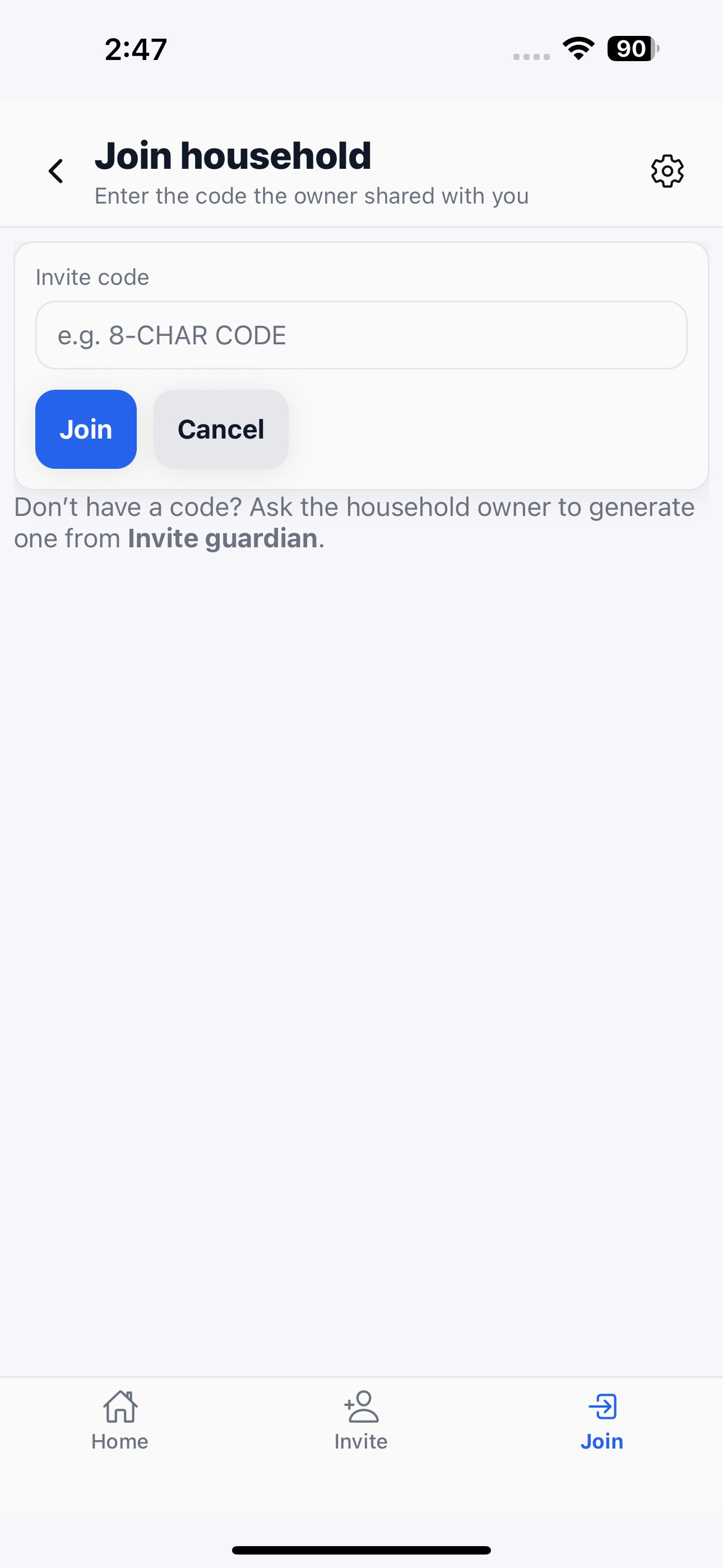
- Household sharing
Upgrade in Settings → Manage Plan

A simple, private way to track absences, tardies, and doctor notes for every child — no matter which school they attend.


| Feature | School Absence Tracker | District Apps/Portals | DIY (Notes/Sheets/Calendar) |
|---|---|---|---|
| Works no matter your school | ✓ Always — your family’s log | ✕ Only if your district pays & enables it | ✓ Yes, but manual setup |
| All kids in one place | ✓ Unified across schools & moves | ~ Per-district portal; multiple logins | ~ Possible, but scattered |
| Per-school-year totals | ✓ Excused / Unexcused / Tardy counters | ~ Depends on district settings | ✕ Manual formulas or none |
| Attach doctor notes | ✓ Store & find by date | ~ Sometimes allowed on forms | ✕ Files live elsewhere |
| Export a clean summary | ✓ One tap (PRO · coming soon) | ~ Rarely offered | ~ Custom work each time |
| Holiday / non-instruction days | ✓ Mark so they don’t count (calendar view PRO · roadmap) | ~ Typically not parent-controlled | ✕ Easy to miscount |
| Privacy & control | ✓ Your data — share only when needed | ~ Inside district systems | ~ Depends where you store it |
$0
Kick the tires
Upgrade in Settings → Manage Plan
$1.99/mo or $7.99/yr
For most families
Upgrade in Settings → Manage Plan
$3.99/mo or $12.99/yr
Most capacity
Upgrade in Settings → Manage Plan
Prices shown in-app. Features marked “coming soon / roadmap” will roll out to Pro first.
Most updates are delivered over-the-air; minimal app store updates needed.
Yes. This app is your personal record to stay organized. Use it to complete whatever method your school requires (portal, note, email, or call) and to keep proof handy.
No. It complements any district tools you have by giving you a consistent family-wide history and documentation in one place.
Your records live in your account. You decide what to share and when. We don’t sell your data.
Have everything ready the moment the school asks — for every child, in one place.